Government Job Portals & ATS: How to Build a Resume Public Agencies Actually Shortlist
How public-sector ATS is different (and why it matters)
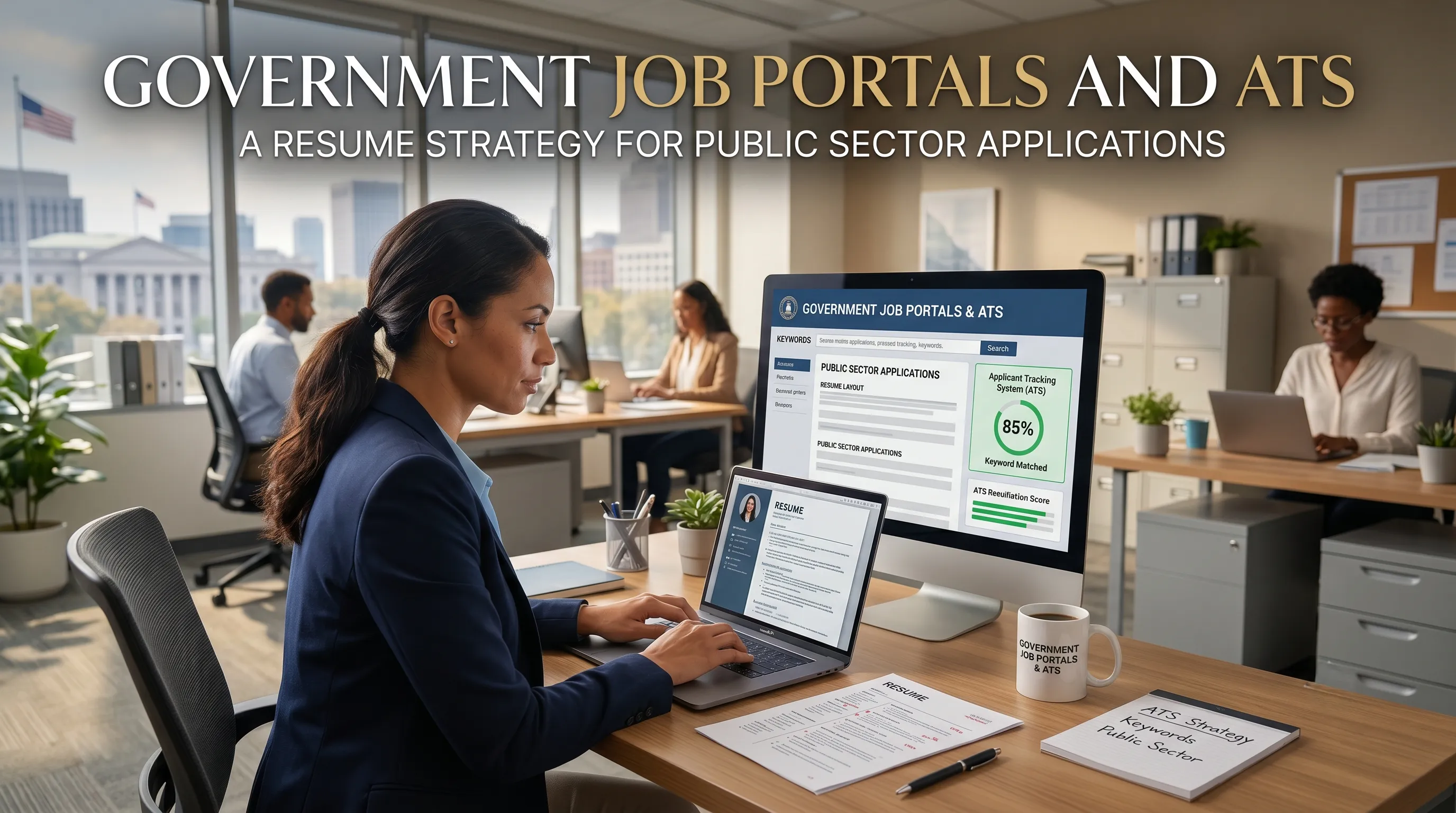
Government hiring has to balance three things at once: efficiency, fairness, and compliance with strict regulations. To cope with volume and audit requirements, many agencies now use purpose-built public‑sector ATS platforms to screen, rank, and track candidates. Even when a portal like USAJOBS or your local government’s site looks clunky, there is usually structured data and filtering logic sitting behind it.
At the same time, public employers are under pressure to keep processes transparent and inclusive, so they often combine automated checks with human review rather than relying purely on algorithms. That means your resume has to work twice: it must match the machine’s criteria and also read clearly to HR specialists who may not be experts in your field.
Private vs public: how your resume gets screened
Here’s a high-level view of how government portals typically behave versus private ATS environments.
How screening often differs
| Aspect | Typical Private ATS | Government / Public Sector Portals |
|---|---|---|
| Main goal | Speed + ranking candidates for recruiterscareersingovernment+1 | Eligibility, fairness, documentation of decisionsstartingpointrecruitment+1 |
| Where you apply | Company careers pages, job boards | Central portals (USAJOBS, national/local gov sites)eploy+1 |
| Resume format expectation | 1–2 pages, concise bulletscareersingovernment | Often longer, more detailed histories accepted or encouragedstartingpointrecruitment+1 |
| Keyword logic | Heavy keyword scoring, some semantic matchingcareersingovernment+1 | Keyword checks plus explicit “meets/doesn’t meet” criteriastartingpointrecruitment+1 |
| Human involvement | Recruiters skim top‑ranked resumes | HR specialists check compliance and minimum qualificationsstartingpointrecruitment+1 |
| Documentation requirements | Light; resume + maybe cover letter | Extra documents (forms, transcripts, licenses, veterans’ docs)startingpointrecruitment+1 |
Even with these differences, the fundamentals of ATS‑friendly design still apply: clear headings, standard formats, and alignment with the vacancy announcement.
Start with the vacancy announcement, not your generic CV
Government job announcements are not just advertisements; they are checklists for what your resume must prove. Sections like “Duties,” “Requirements,” and “Specialized Experience” describe exactly what the portal and HR specialists look for when scoring your application.
On USAJOBS, for example, the help center explicitly says your resume must show how you meet the qualifications and address each required experience area, in up to two pages. Other public portals and national careers services issue similar guidance: match your language to the advert, cover the key requirements explicitly, and keep it concrete and readable.
Practical move:
- Print or save the job announcement.
- Highlight every repeated skill, tool, or responsibility.
- Use that list as the blueprint for your resume wording and structure for this specific application.
Getting keywords right without gaming the system
Many government portals use keyword scanning or scoring—even when HR staff ultimately review each application. You don’t need to “hack” this; you just need to speak the same language as the vacancy.
Public‑sector and USAJOBS guidance recommend:
- Use the same terms as the announcement where they’re true (for example, “MS Project” rather than “project scheduling software”).
- Address every required qualification explicitly under your relevant roles.
- Avoid jargon or internal acronyms that HR in another agency might not recognize.
What you should avoid is keyword stuffing or repeating the same phrases out of context; government hiring is often audited, and resumes that look manipulated or copy‑pasted straight from the posting can backfire.
Structuring a government-focused resume
Most government portals prefer (or enforce) a structured, chronological resume with clear sections. Some, like USAJOBS, even provide a resume builder that guides you through the exact fields HR expects: employer, job title, start/end dates, hours per week, and accomplishment bullets.
Core structure that tends to work across public‑sector systems:
-
Contact & eligibility basics
- Full name, email, phone, location.
- For many government roles: citizenship, security clearance, and any special hiring authority or eligibility, if applicable (federal-style resumes often call this out explicitly).
-
Professional summary (3–5 lines)
- Tailored to the specific vacancy.
- Mention years of experience, domain (for example, “public health program management”), and 2–3 key capabilities that mirror the posting.
-
Work experience
- Reverse chronological, with month/year dates and hours per week where required.
- Bullets in an accomplishment format (“Accomplished X, as measured by Y, by doing Z”).
- Explicitly reference duties and tools from the announcement where they reflect what you actually did.
-
Education, certifications, licenses
- Degrees, completion dates, and any mandatory licenses or certifications for regulated roles (teaching, nursing, engineering, etc.).
-
Additional sections (optional but powerful)
- “Relevant Projects,” “Volunteer Experience,” or “Professional Development,” especially if you’re mapping private‑sector experience to public‑sector needs.
Example: translating a private bullet into public-sector language
Government job descriptions often use more formal, process-heavy language than private postings. Your resume needs to bridge that gap so the portal and HR can clearly say, “Yes, this matches our criteria.”
Bullet wording example
ContextBullet ExampleWhy it works for public sector
Private‑sector CV
“Improved inventory process and helped cut waste.”
Too vague; no scale, no metrics, no link to official duties.
Public‑sector resume
“Tracked and reconciled 500+ assets using agency inventory system, improving accountability and reducing write‑offs by 20%.”
Uses numbers, references an agency system/process, ties directly to efficiency.
USAJOBS and federal resume experts actively encourage this more specific, quantified style because it shows how your work would map into government responsibilities.
File format and layout: don’t let the portal break you
Public‑sector guidance around ATS-friendly formatting is very similar to modern private‑sector advice:
- Keep layout simple: single column, standard headings, no elaborate tables, pictures, or diagrams.
- Use standard fonts and bullets: Calibri, Arial, Verdana, or other common sans‑serifs, with simple bullet characters.
- Respect file limits: portals often cap size and number of pages; USAJOBS, for example, enforces a two‑page limit for uploaded resumes in many cases.
- Prefer text-based files: DOCX or clean PDF, not scanned images or graphic‑heavy designs that risk losing text when parsed.
If you’re unsure, a basic test recommended by government and career services is to copy‑paste your resume into a plain-text file; if it still reads in the right order and all content is visible, you’re on safer ground for ATS and portal parsing.
Using portal resume builders vs. uploading your own
Many government job boards provide their own resume builders or structured forms, and they often nudge you toward using them for good reason: the fields map directly to how HR and the system evaluate candidates.
- Resume builders (like USAJOBS)
- Force you to include required details such as hours per week, series/grade, and location.
- Help keep length and formatting within portal rules.
- Can be more ATS‑friendly by design, since data is stored in structured fields rather than as a single file.
- Uploaded resumes
- Offer more control over personal branding and cross‑portal reuse.
- Require extra attention to formatting, keywords, and alignment with portal guidance.
A solid strategy is to treat your own document as the “master” and then port its content into the portal’s builder when public agencies strongly encourage or require it.
Common mistakes that quietly sink public‑sector applications
Public‑sector career advisors and HR practitioners call out a few recurring errors that are especially damaging in government pipelines:
- Sending your standard private‑sector CV unchanged
- Too short, too vague, and not explicitly tied to the posted duties and “specialized experience” requirements.
- Ignoring the “How you will be evaluated” section
- This section often hints at what the scoring rubric looks like; if your resume doesn’t speak directly to those points, you lose ground immediately.
- Leaving out eligibility details
- Failing to mention citizenship, work authorization, or relevant hiring authorities can make you appear ineligible even if you qualify.
- Skipping required documents or portal fields
- Missing transcripts, licenses, or incomplete answers in screening questions can result in automatic “ineligible” status before a resume is ever read.
- Over-designing the resume
- Using complex templates, graphics, or tables that violate government ATS and accessibility recommendations.
Turning public job portals into an advantage
When most candidates treat government applications as generic form-filling, taking the time to align your resume with the portal’s real constraints becomes a competitive advantage. You are not just “uploading a file”—you are feeding a system that must prove you meet specific, documented requirements to move you forward.
If you build a government-focused resume that:
- mirrors the vacancy announcement,
- uses public‑sector language and measurable impact, and
- respects portal and ATS formatting rules,
you make it dramatically easier for both algorithms and human HR specialists to say “yes” and move you to the shortlist.