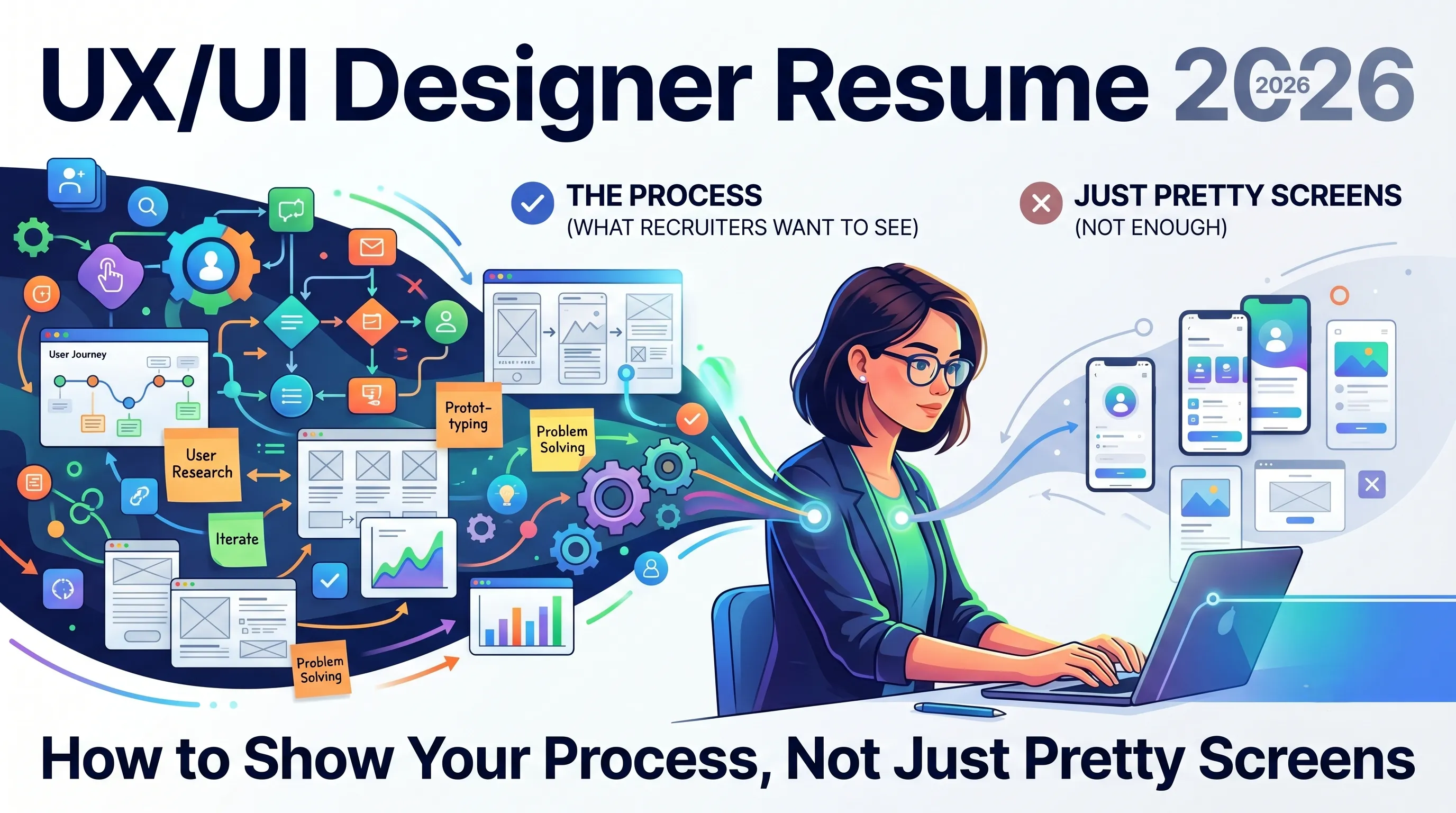
UX/UI Designer Resume 2026: How to Show Your Process, Not Just Pretty Screens
What hiring managers want to see in 2026
Recent UX resume guides are blunt: strong resumes connect research and decisions to shipped improvements and metrics. Managers know Dribbble is full of beautiful but context‑free UI; they are looking for designers who can define a problem, run just enough research, collaborate with engineering, and ship something measurably better.
That means your resume has to answer three questions fast:
- What kinds of problems have you worked on?
- What process did you use (in the real world, not just the textbook diagram)?
- What changed for users or the business because of your work?
Structure the resume around problems and outcomes
A lot of UX/UI resumes still lead with tools and deliverables—“Figma, Sketch, wireframes, prototypes”—and bury the actual impact. Updated 2026 guidance flips that: start with problems and outcomes, then show the methods you used.
Example experience bullet (weak vs strong)
- Weak: “Designed new dashboard screens for analytics product.”
- Strong: “Redesigned analytics dashboard after contextual interviews and usability tests, increasing task success from 62% to 84% and cutting average completion time by 30%.”
The strong version shows: research, design, testing, and measurable change—all in one line.
Make your process visible in a few words
You do not need a full case study in the resume, but you do need process verbs—so reviewers can see how you think before they open your portfolio.
Sprinkle specific methods into your bullets, tied to outcomes:
- “Ran 8 remote interviews and a survey (n=120) to prioritize checkout pain points before redesign.”
- “Mapped current user journey and redesigned IA, reducing navigation‑related support tickets by 18%.”
- “Set UX success metrics with PM (completion rate and CES) and iterated flows until targets were hit.”
UX resume articles consistently say this is what separates “I push pixels” from “I run a UX process that moves product metrics.”
Use skills sections to show breadth, not buzzwords
Skills lists still matter for ATS and quick scans, but they should be organized and grounded in your actual work. Updated UX resume guidelines recommend grouping skills by type—tools, research methods, interaction/IA—so hiring managers can quickly match them to the role.
Example grouping:
- Research: user interviews, usability testing, surveys, heuristic reviews
- Design: interaction design, wireframing, prototyping, design systems, accessibility
- Tools: Figma, FigJam, Miro, Jira, Analytics (GA / Mixpanel)
Then your bullets do the real work of proving you’ve actually used those skills on real projects.
Tie your resume to your portfolio (and case studies)
Hiring managers repeatedly say the portfolio is still “king,” but the resume decides whether they ever see it. Your job is to make the connection effortless:
- Put a clean, clickable portfolio link right at the top, not buried.
- Under each major role, reference 1–2 case studies by name:
- “See case study: ‘Checkout redesign – +23% conversion’ at mysite.com/work/checkout.”
Current UX/portfolio advice is clear: aim for a small number of strong case studies that show end‑to‑end process (problem → research → design decisions → outcomes), and let your resume act as the index to those stories.
If you can make that process visible in a handful of sharp bullets and links, your 2026 UX/UI resume will do what it’s supposed to: get the right people to click through and spend real time with your work.